In the app: Profile → Help & support → How to use Petloco. You can also replay the four-screen walkthrough there. The in-app guides work offline.
What would you like to do?
Android app examples with fictional sample data. Your pets, city and results will be different.
Your first few minutes with Petloco.
Find your way around
From Welcome, choose Create account or Log in. Follow the sign-in method shown. You can also explore the public directory and lost pets before signing in.
Set your display name and city, then read and accept the terms and age confirmation. Add your first pet, or skip and add one later.
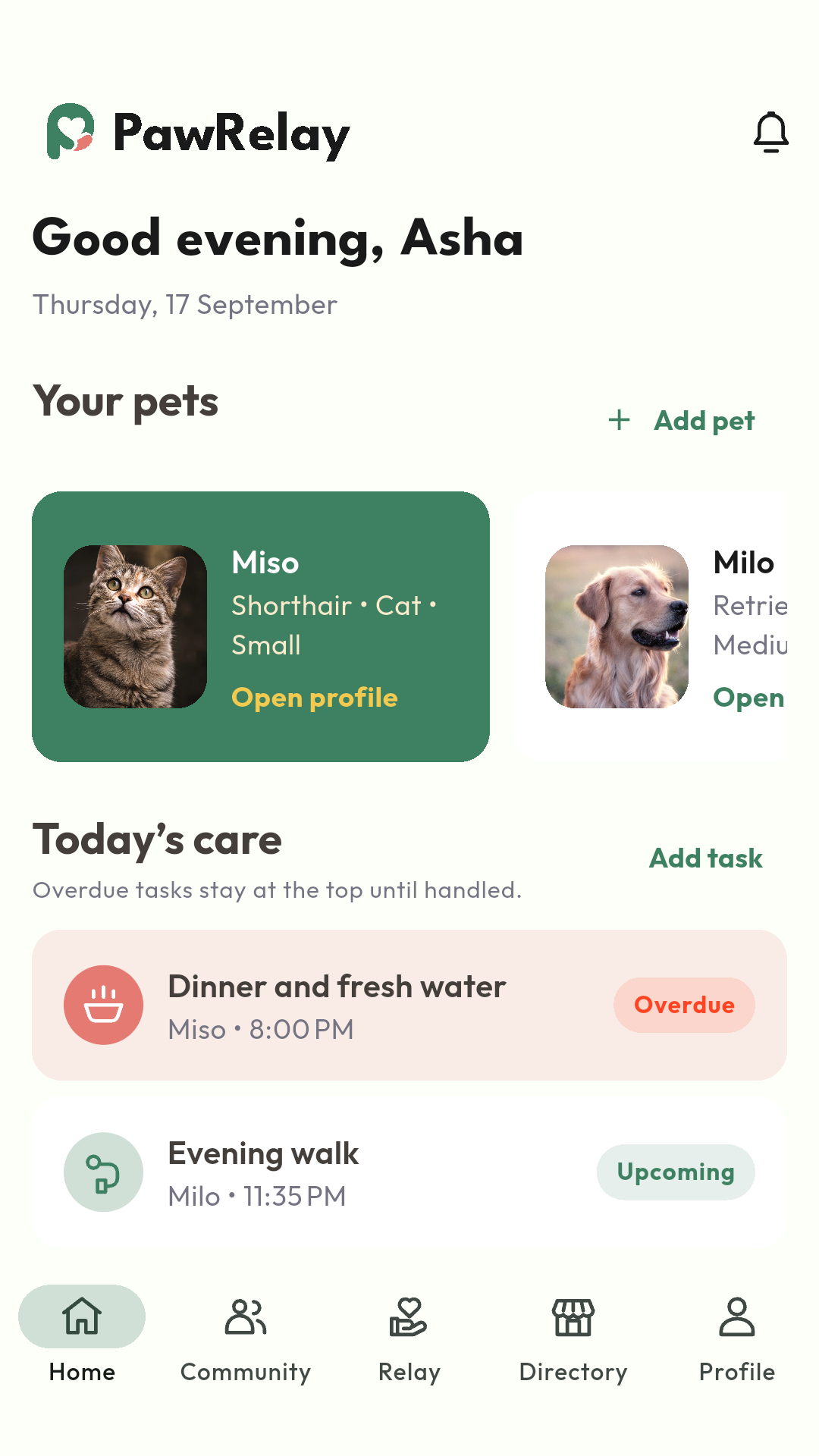
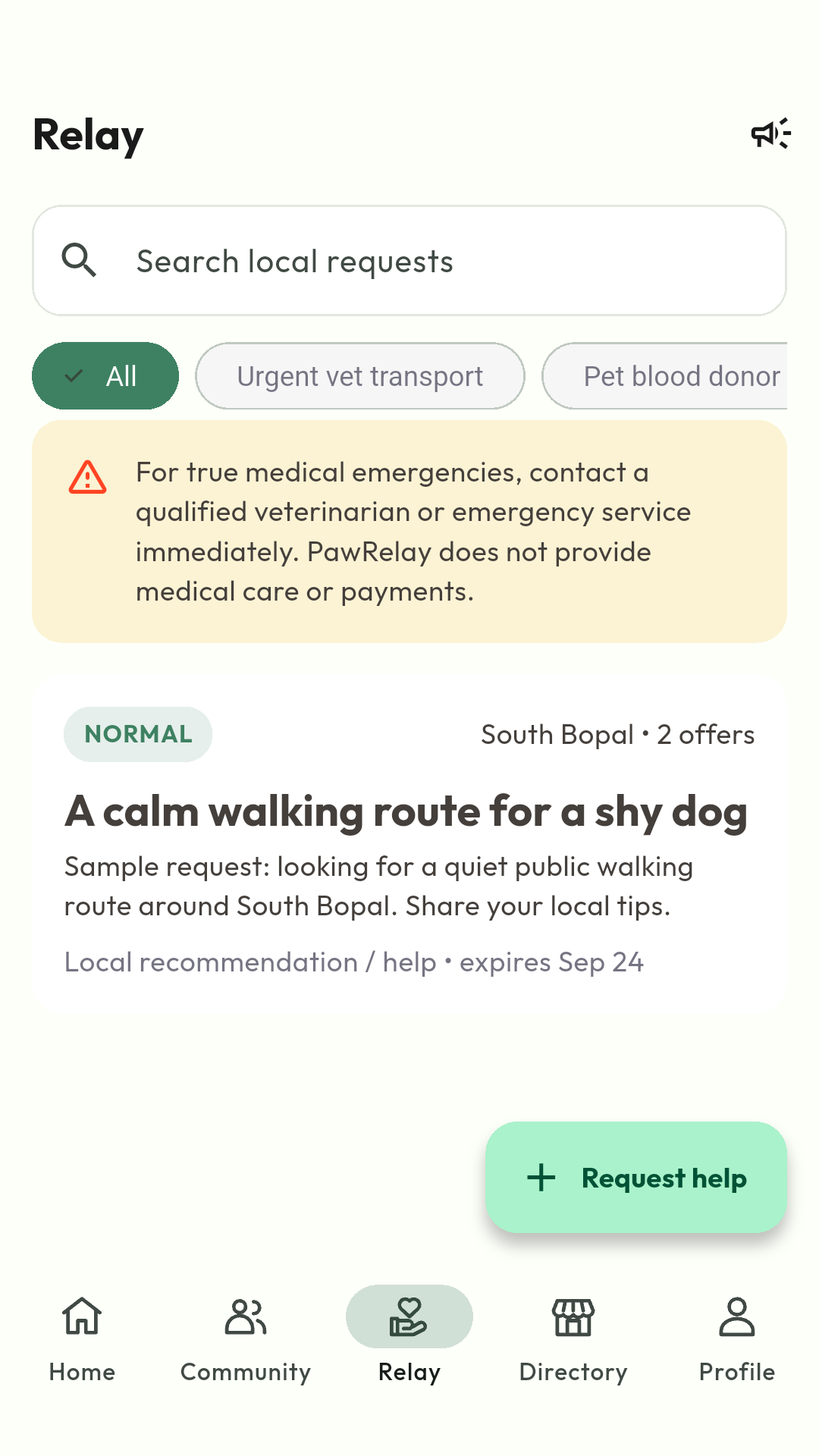
Home brings your pets and today's care together. Community is for posts and playdates; Relay is for asking for or offering help.
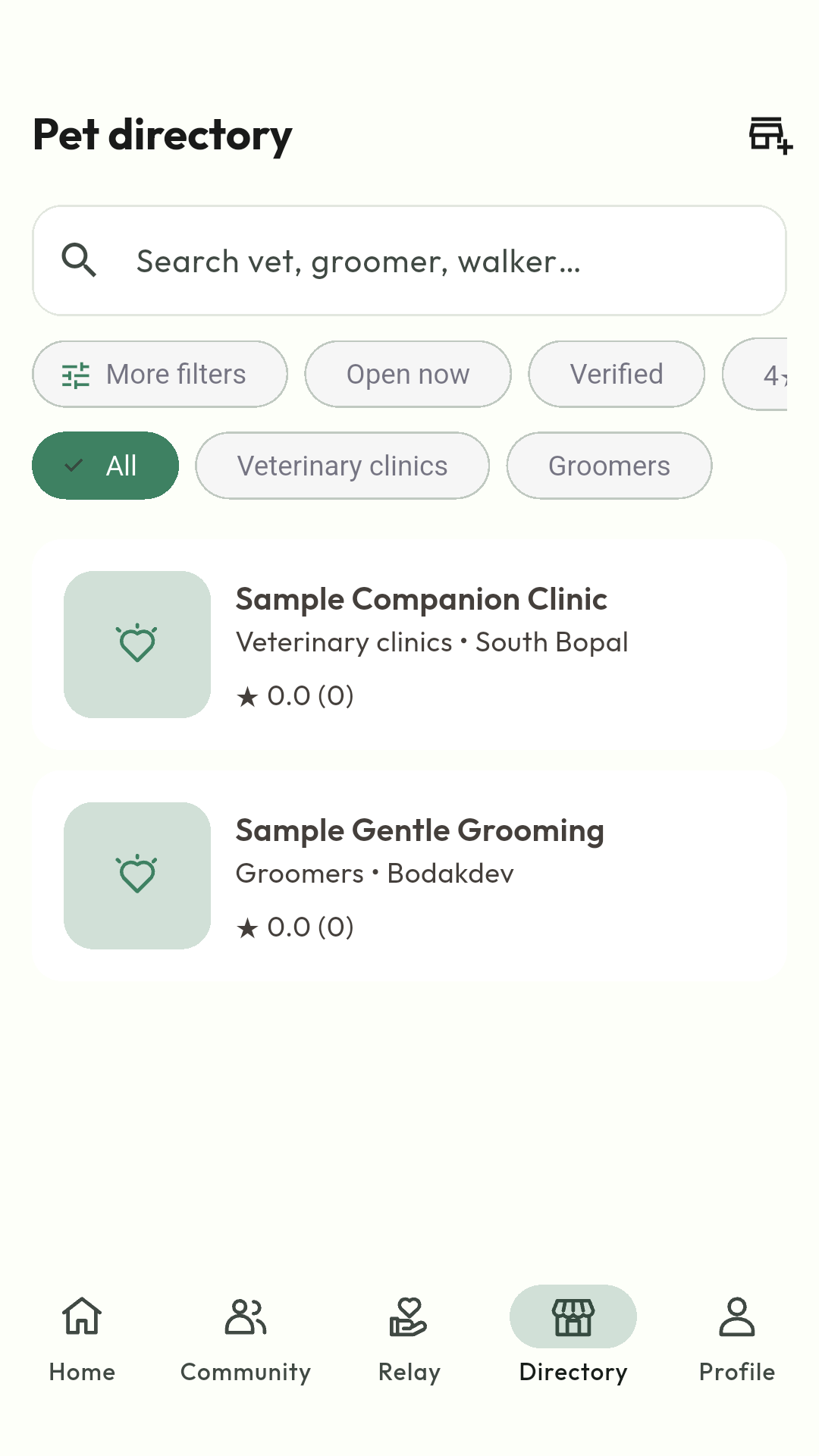
Directory helps you find pet services. Profile holds your saved items, notification choices, privacy controls and Help & support.
Profiles, health notes, documents and Pet Passport.
Add a pet and keep their records
On Home, tap Add pet. Enter their name and species, add the details you know, and save. You can add more pets the same way.
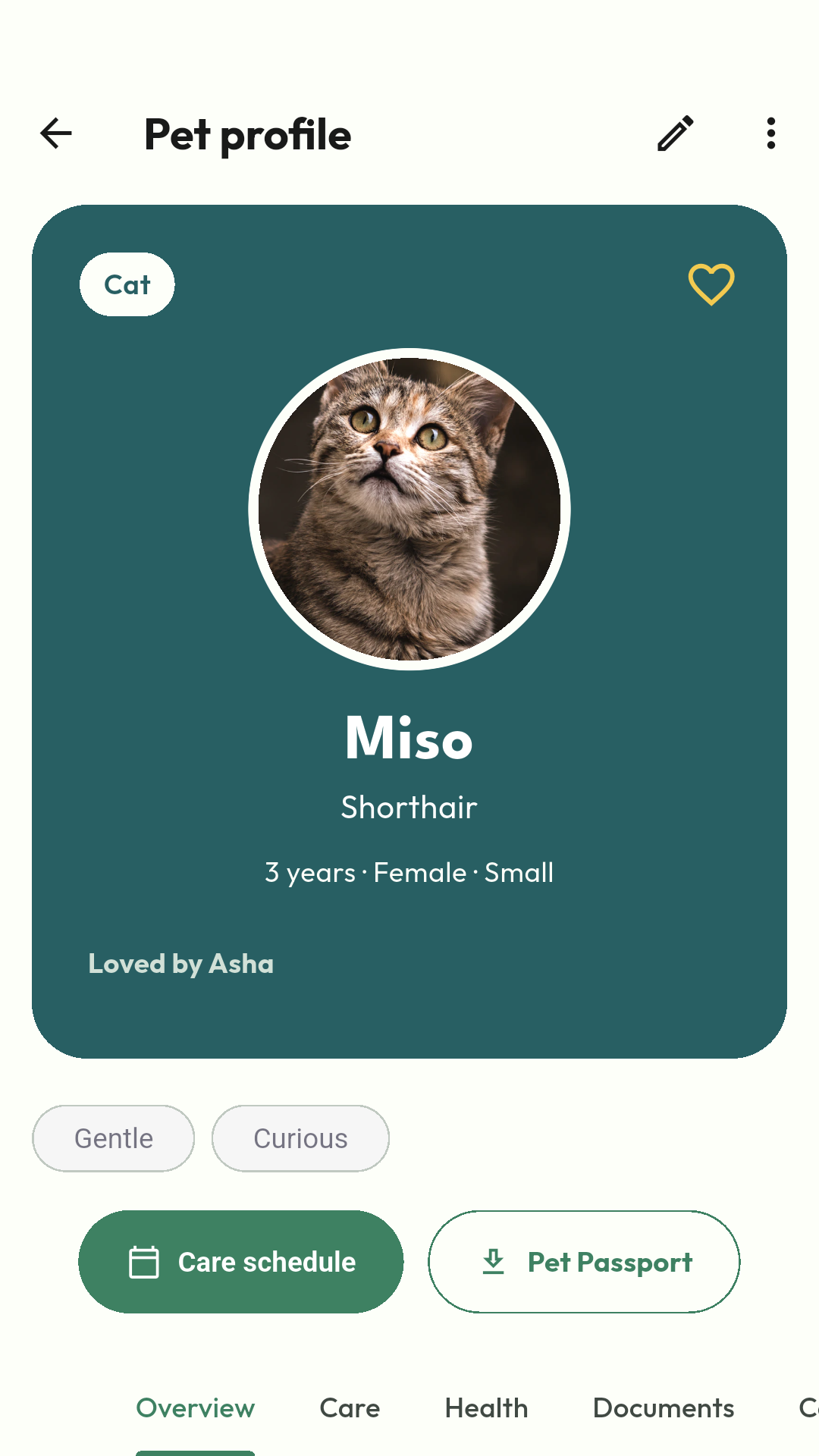
Tap Open profile on a pet card. Use the pencil to update their details. Swipe the section tabs to reach Health, Documents, Care circle, Social and Activity.
In Health, add records such as vaccinations or notes from your vet. In Documents, upload a relevant file. Medical information is private by default.
Use Pet Passport to preview and download a record of your pet's information. Check its contents before sharing it with someone.
On Home, tap Add task under Today's care, or open a pet's Care tab and tap Add care task.
Choose the pet and care type. Add a title, instructions, due date and time, and a repeat schedule if needed. Set Care reminder if you want a notification, then save.
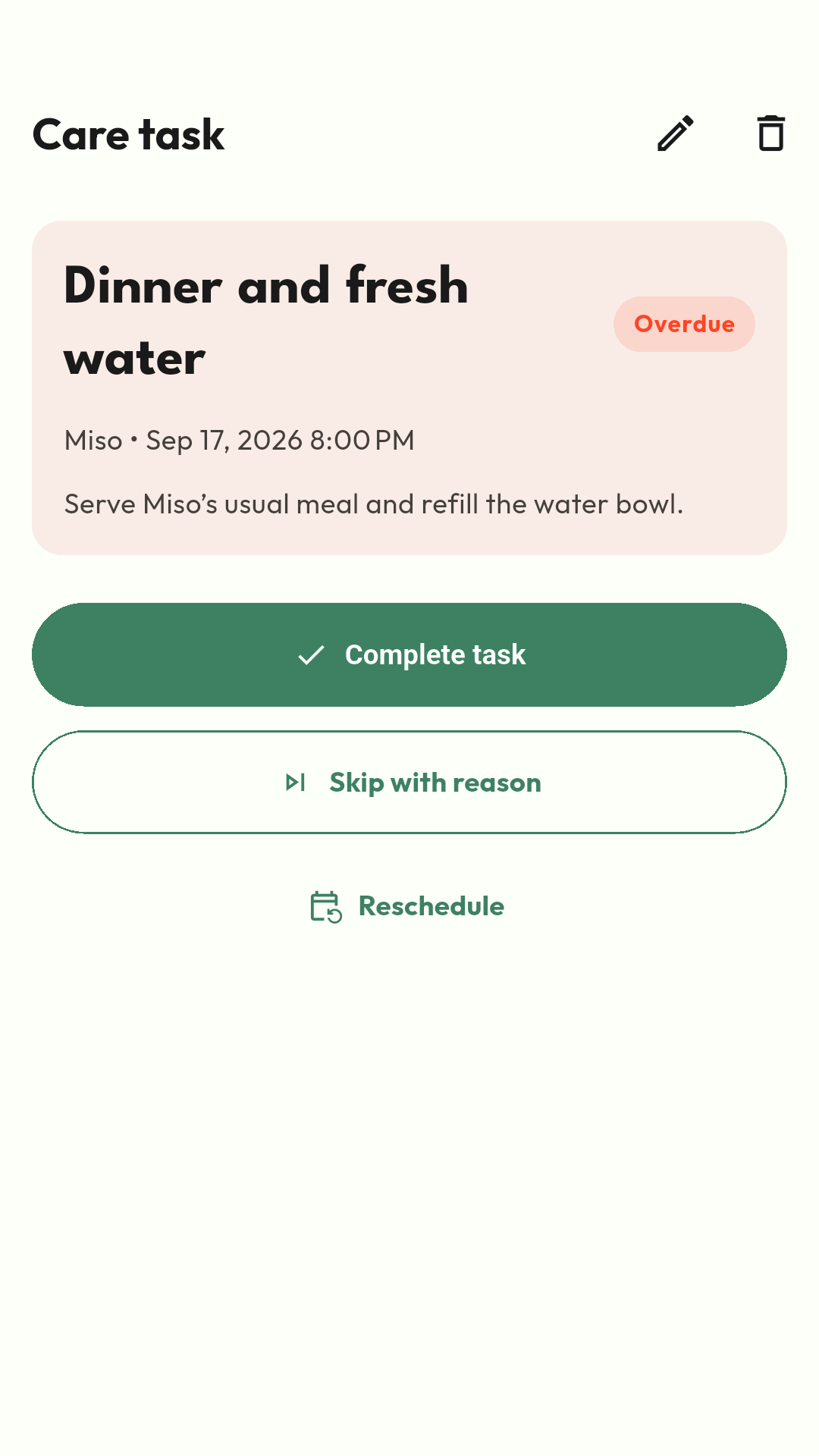
Open the task when it is due and tap Complete task once it is done. If plans change, use Skip with reason or Reschedule.
Open the pet's Care tab to review their schedule and filter tasks. Activity shows recorded changes and care history.
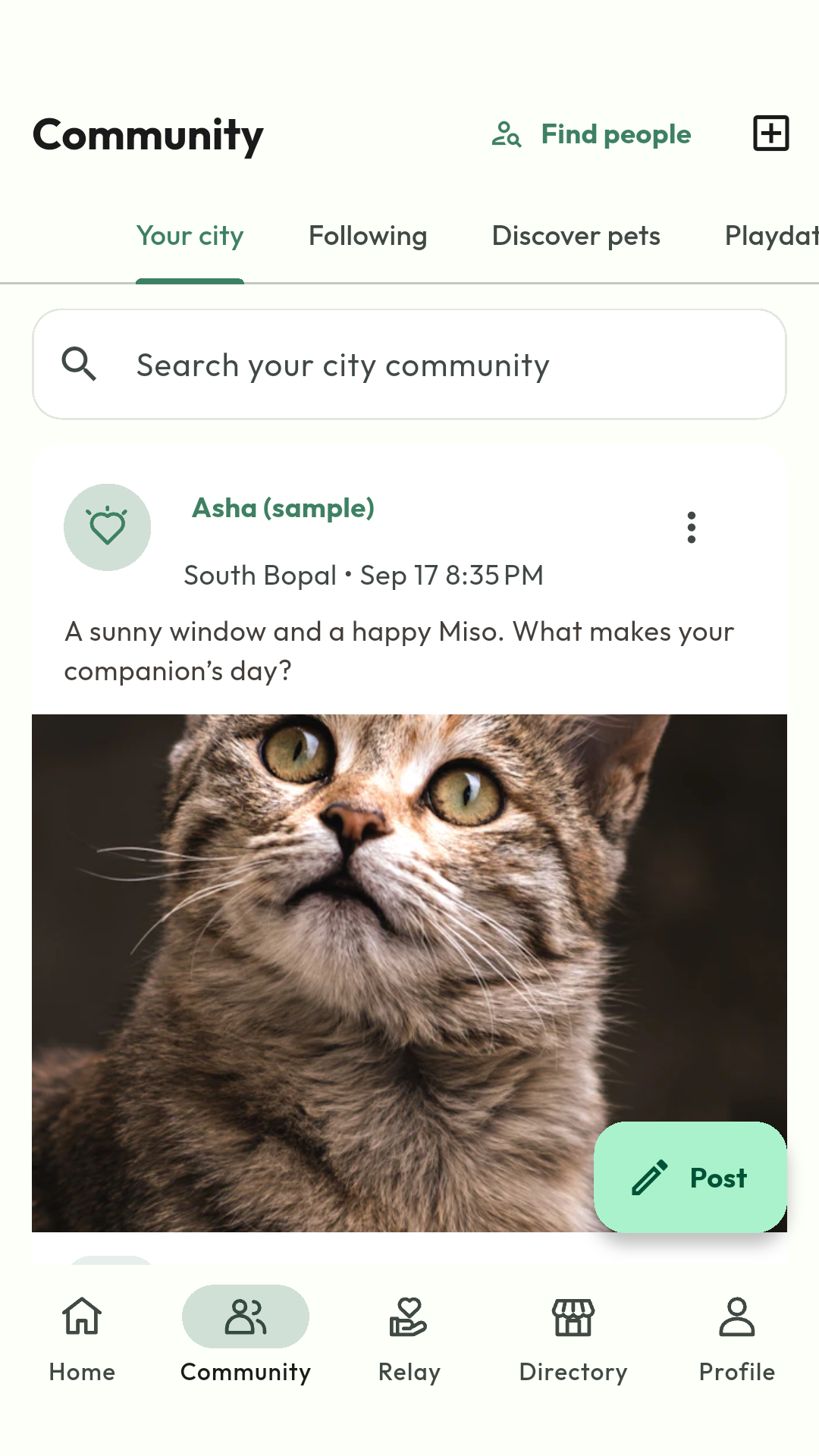
Open Community. Browse Your city or Following, search posts, or use Find people to find a member.
Tap Post to write an update and optionally add photos or tag a pet. Review what you are sharing before publishing.
Use Discover pets for pets whose owners have chosen to make them discoverable. To change your own pet's setting, open their profile, tap the pencil and use Opt into pet discovery. Their Social tab shows the current status.
Open Playdates to view an event or create one. Read its public venue, time and suitability before you RSVP. Use a content menu to report a concern or block a user where available.
Share useful details, add sightings and close a report.
Report a lost or found pet
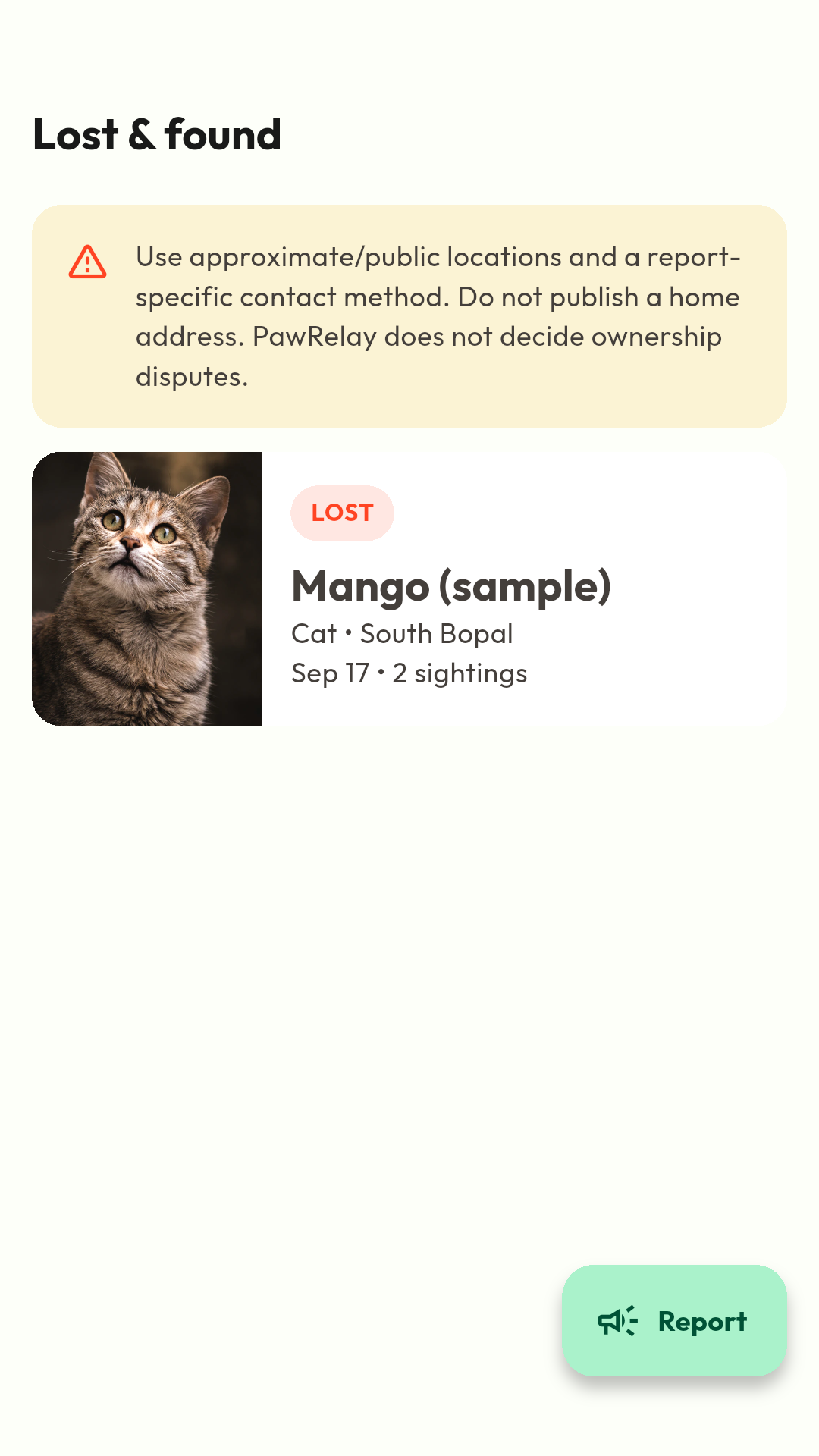
For your own pet, open their profile menu and choose My pet is missing, or use Lost pet on Home. For all reports, open Relay, tap the Lost and found icon at the top, then tap Report.
Choose lost or found, add a clear photo and identifying details, and enter when and approximately where the pet was seen. Choose a contact method you are comfortable sharing.
Open the report to share its link or poster and review sightings. Add a sighting when you have useful new information.
When the pet is reunited, update the report to mark them found so people know the search has ended.
Help pet owners find you and manage an approved listing.
Add or claim your business
Search Directory for your business first to avoid creating a duplicate. If it is missing, use the add-business action to submit its details.
For an existing unclaimed listing, open it and choose Claim this business. Provide your role, work contact information and supporting evidence.
Follow the claim or submission status. Approval is required before owner access is granted; submitting a claim does not immediately make you the owner.
After approval, open Profile → Business workspace to manage the listing fields available to you, offers and review replies.
Open Profile → Notifications to choose the categories you want. Use Reminder health to check whether local reminders can reach you.
Open Privacy & blocked users to review privacy choices. For pet discoverability, edit that pet's profile and use Opt into pet discovery; the Social tab shows the current status.
Open Your data to request an export or account deletion. Read the explanation and confirmation before deleting an account.
Open Help & support → My support tickets to create a private support request and follow replies. You can replay the walkthrough or revisit these guides at any time.
 Petloco